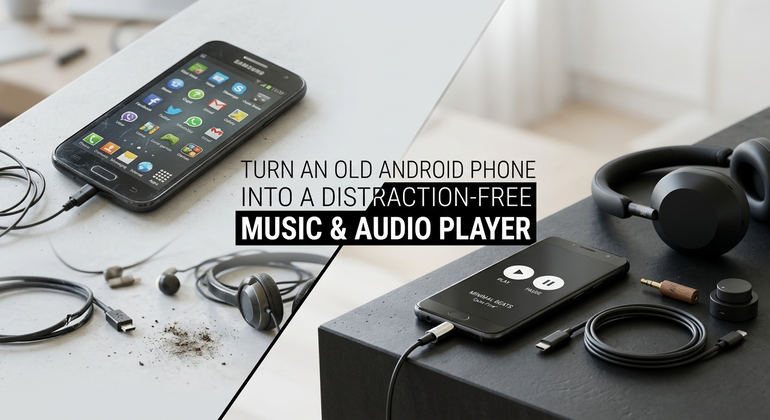
Millions of working smartphones are left in drawers because they cannot run social media apps or the newest operating system updates smoothly.
However a 2018 smartphone may have trouble with TikTok yet the smartphone’s dedicated audio DAC, headphone jack, Bluetooth chip and flash storage are still excellent.
By removing the software you can turn any retired Android phone into a distraction‑free offline music and audiobook player that keeps battery life for many days.
Why a Dedicated Player Beats Your Main Phone
- Zero Notifications: No work Slack pings, social media dings, or news alerts interrupting your flow.
- Save Main Phone Battery: Extended audio streaming and Bluetooth transmission won’t drain your daily driver.
- MicroSD Expansion: Older phones frequently have MicroSD slots, letting you store 512GB of lossless FLAC audio for pennies.
- Physical Headphone Jack: No fragile USB-C dongles required for wired audiophile headphones.
Step-by-Step Upcycling Guide
Step 1: Perform a Clean Factory Reset
- Go to Settings > System > Reset Options.
- Select Erase all data (factory reset).
- When rebooting, skip adding a Google account (or create a burner profile with no payment methods attached).
Step 2: Strip Down and Debloat
- Put the device into Airplane Mode to preserve immense standby battery life.
- Disable pre-installed bloatware (YouTube, Chrome, Gmail, Facebook) under Settings > Apps.
- Turn on battery saver optimizations.
Step 3: Install Lightweight Open-Source Players
Download these free apps from F-Droid (the open-source Android app repository):
| App | Purpose | Highlights |
|---|---|---|
| Auxio | Music Player | Ultra-clean UI, zero telemetry, fast library indexing |
| Voice | Audiobooks | Auto-bookmarking, speed controls, sleep timer |
| AntennaPod | Podcasts | Full RSS podcast downloader with offline storage |
| Syncthing-Fork | Sync Tool | Wireless drag-and-drop music syncing from your PC |
Transferring Your Music Library
- Plug a high-capacity MicroSD card into your computer or phone.
- Organize your tracks in a simple structure:
/Music/ ├── Artist Name/ │ ├── (2024) Album Title/ │ │ ├── 01 - Track Name.mp3 │ │ └── 02 - Track Name.flac - Open Auxio, select the
/Musicdirectory, and let it build your offline catalog in seconds.
The Result
You now own an independent, audiophile-grade digital audio player (DAP) that costs $0, lasts 3 to 4 days on a single charge in Airplane Mode, and will never serve you an unskippable video ad.